6. Adding New Domain
Table of Contents
If you purchase our Walnut or Almond Plan, you are entitled to more than one domain. Here is how to register an extra domain.
- Login Direct Admin User Control Panel (GUIDE)
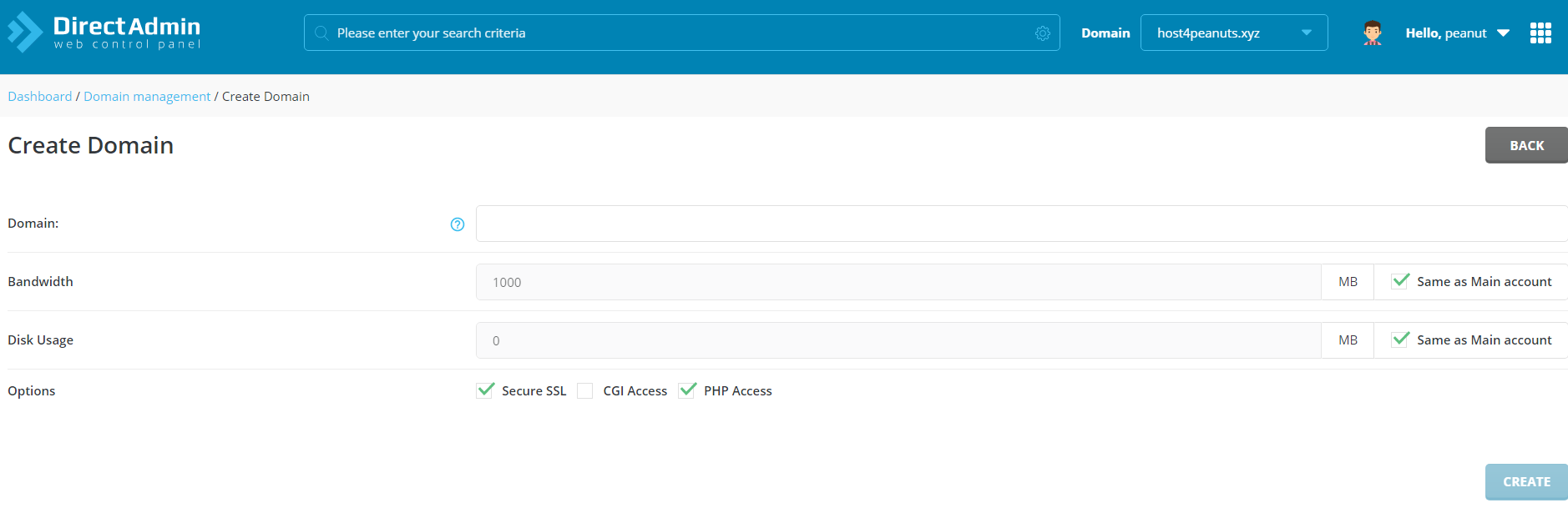
- Under Account Manager, select DOMAIN SETUP
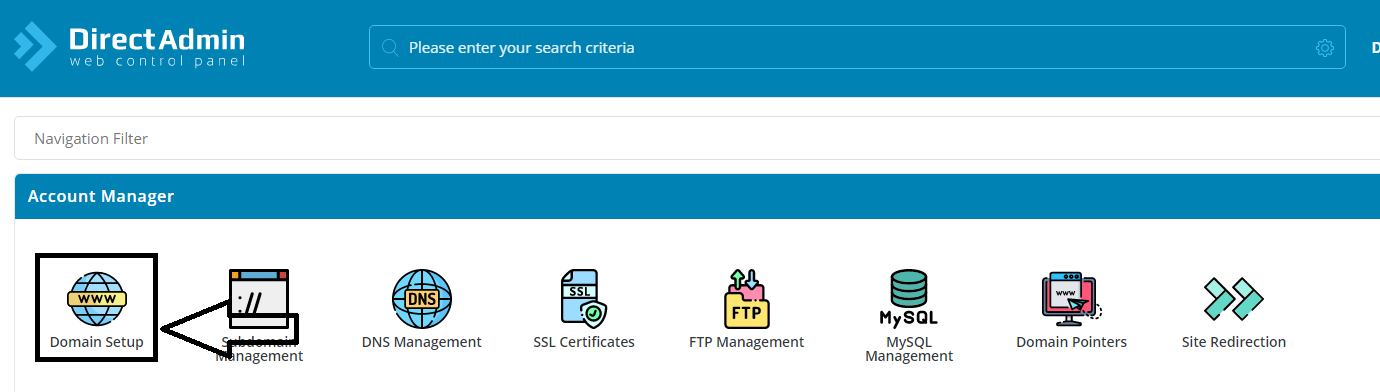
- Click Add New
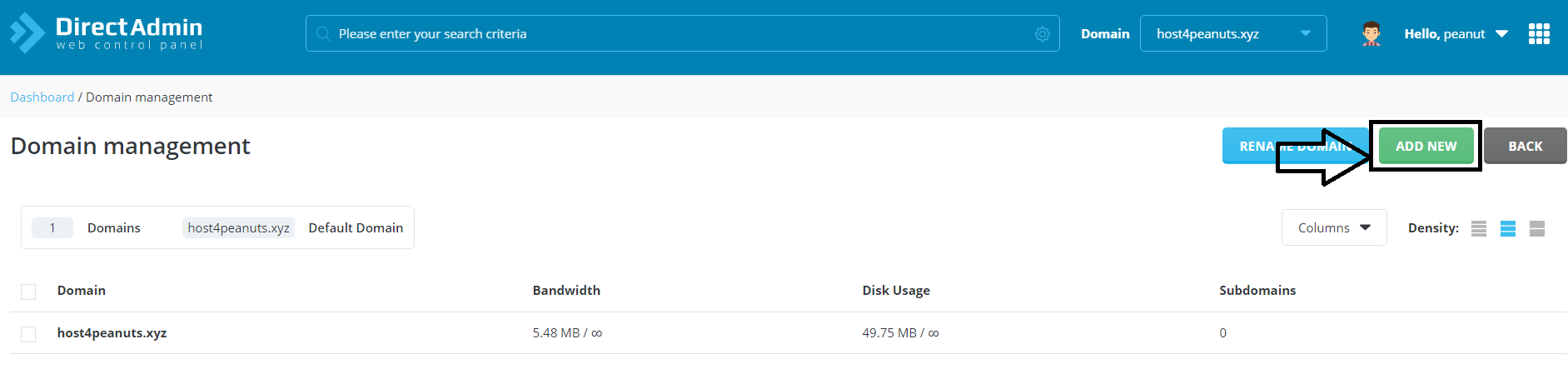
- New Domain Settings:
Domain: Enter your registered domain (Be sure to change the NameServers to ensure you are able to connect to the domain, click HERE)
Bandwidth: Customizable, if not just tick “Same as Main Account”
Disk Usage: Customizable, if not just tick”Same as Main Account”
Options: Tick depending on your need.
Click on “CREATE” once you are done.